Ganesh Ji AI Photo Editing Prompts (ChatGPT & Gemini)
Copy free Ganesh Ji AI photo editing prompts for ChatGPT & Gemini — blessing, festival, 3D and artistic styles, with respectful, consistent results in 2026.
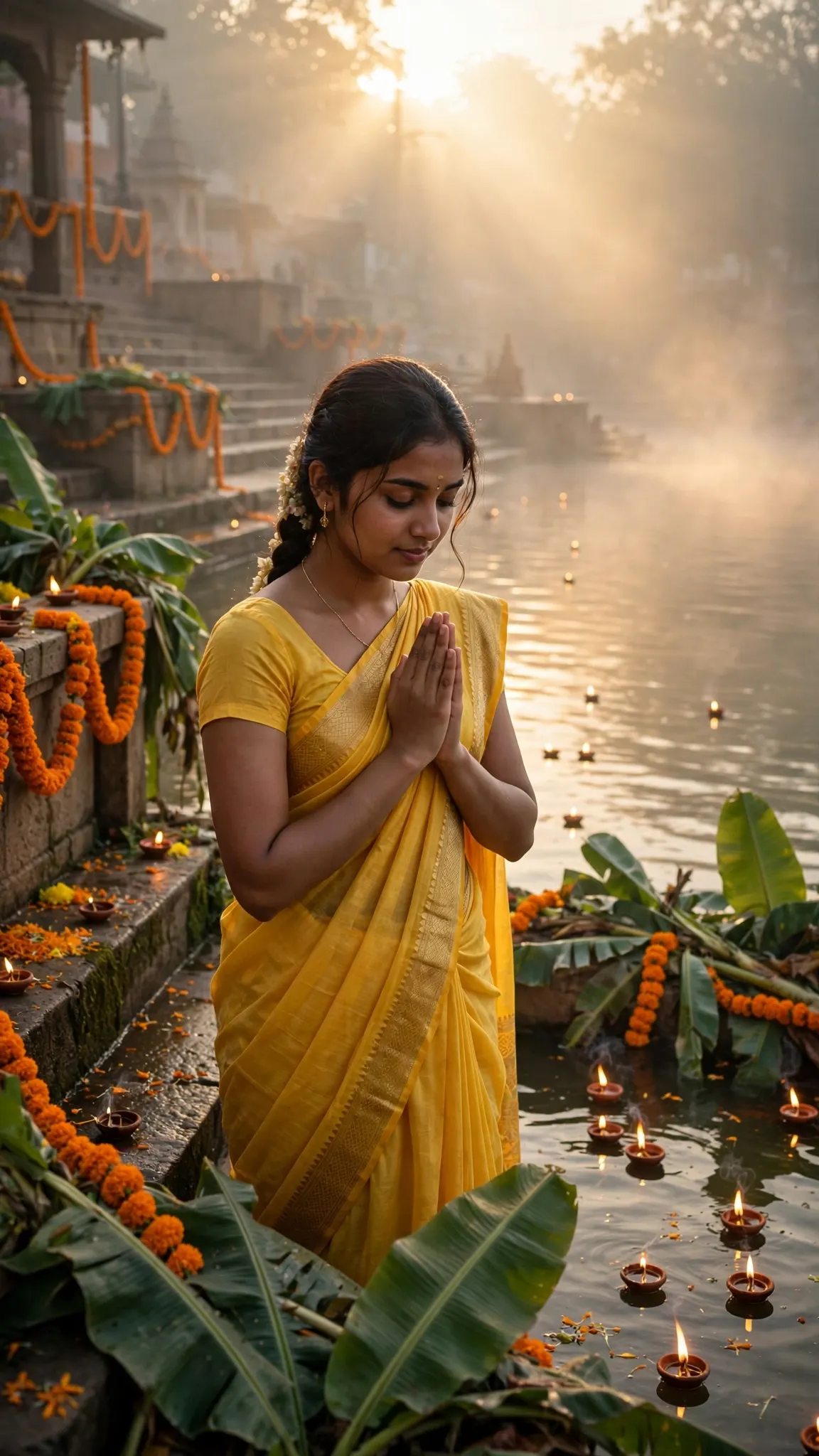
Blessing Prompts
Works with: ChatGPT, Google Gemini
Prompt 1: Create a calm devotional image of Ganesh Ji seated on a lotus, one hand raised in blessing, soft golden temple light, marigold flowers around the base, warm and peaceful, realistic style.
Negative prompt: blurry, low quality, distorted, extra limbs
Prompt 2
Works with: ChatGPT, Google Gemini
Prompt 2: Turn this photo into a blessing image with Ganesh Ji seated beside a small brass diya, gentle warm light, soft orange and gold colours, a peaceful smile, clean background, realistic style.
Negative prompt: blurry, low quality, distorted, extra limbs
Prompt 3
Works with: ChatGPT, Google Gemini
Prompt 3: Make a serene image of Ganesh Ji holding a modak, seated on a temple step at dawn, soft morning light, white flowers nearby, calm and hopeful, realistic style.
Negative prompt: blurry, low quality, distorted, extra limbs
Festival Prompts
Works with: ChatGPT, Google Gemini
Prompt 4: Create a festive Ganesh Chaturthi image of Ganesh Ji in a decorated pandal, marigold garlands, glowing diyas, fairy lights, joyful warm colours, realistic style.
Negative prompt: blurry, low quality, distorted, extra limbs
Prompt 5
Works with: ChatGPT, Google Gemini
Prompt 5: Turn this photo into a festival image with Ganesh Ji and a family offering flowers at a home altar, diyas glowing, marigolds and incense smoke, warm and happy, realistic style.
Negative prompt: blurry, low quality, distorted, extra limbs
Prompt 6
Works with: ChatGPT, Google Gemini
Prompt 6: Make a bright festival image of Ganesh Ji during a procession, flower petals in the air, crowd lights soft in the background, orange and gold colours, joyful and grand, realistic style.
Negative prompt: blurry, low quality, distorted, extra limbs
3D Prompts
Works with: ChatGPT, Google Gemini
Prompt 7: Create a cute 3D Pixar-style image of little Ganesh Ji seated with a modak, big kind eyes, soft rounded shapes, warm golden light, gentle smile, clean background.
Negative prompt: blurry, low quality, distorted, extra limbs
Prompt 8
Works with: ChatGPT, Google Gemini
Prompt 8: Turn this photo into a 3D-style image of Ganesh Ji playing a small drum, soft studio light, warm colours, smooth sculpted look, cheerful and calm.
Negative prompt: blurry, low quality, distorted, extra limbs
Prompt 9
Works with: ChatGPT, Google Gemini
Prompt 9: Make a 3D-style image of Ganesh Ji riding a small mouse through a flower garden at sunrise, soft light, warm colours, playful and sweet, clean background.
Negative prompt: blurry, low quality, distorted, extra limbs
Artistic Prompts
Works with: ChatGPT, Google Gemini
Prompt 10: Create a watercolour painting of Ganesh Ji seated under a tree, soft washes of orange and gold, gentle brush strokes, calm and dreamy, plain warm background.
Negative prompt: blurry, low quality, distorted, extra limbs
Prompt 11
Works with: ChatGPT, Google Gemini
Prompt 11: Turn this photo into an oil-painting style image of Ganesh Ji in a temple, rich gold and deep red colours, soft light on the face, dignified and peaceful.
Negative prompt: blurry, low quality, distorted, extra limbs
Prompt 12
Works with: ChatGPT, Google Gemini
Prompt 12: Make a digital art image of Ganesh Ji with a soft glowing halo, marigold petals floating around, deep blue night sky, warm gold light, serene and majestic.
Negative prompt: blurry, low quality, distorted, extra limbs
Images of Ganesh Ji are shared most at festival time, on birthdays and at the start of something new, because the deity stands for wisdom, new beginnings and the removal of obstacles. A prompt works when it matches that feeling: warm light, a peaceful expression, flowers, diyas and a clean background.
Keep the scene simple. One subject, one setting and one style will always look better than a crowded scene with five ideas fighting for attention. A plain temple step, a home altar or a soft golden sky is enough to carry the whole image.
Frequently Asked Questions
How do I use the Ganesh Ji AI Photo Editing Prompts (ChatGPT & Gemini)?
1. Pick one prompt. Choose the style that fits your occasion: blessing, festival, 3D or artistic. 2. Upload a clean photo if you need one. Use a sharp, front-facing photo with a plain background for the best result. 3. Paste the prompt and generate. Keep the wording as written for the first try, changing only the setting or style. 4. Check the details. Look at the crown, trunk, hands and clothing, and fix one thing at a time if something looks wrong. 5. Save the best version and share it. Add a short greeting in your own words, and share the image with family and friends.
Which AI tools work with this prompt?
It is written for ChatGPT, Google Gemini. Most prompts also work in similar image and video generators with small edits.
What aspect ratio should I use?
Use 16:9 for the closest result to the example shown on this page.
Is the Ganesh Ji AI Photo Editing Prompts (ChatGPT & Gemini) free?
Yes. Every prompt on Promptseens is free to copy and customise for your own projects.
Related prompts
- Viral Funny Frank Ai Video Editing Prompt
- Sheru Bhai AI Photo Editing Prompt
- Viral Sheru Bhai AI Video Editing Tutorial
- Viral Diwali Pataka Ai Video Tutorial
- Viral Frank AI Video Editing Prompt
- Viral AI Video Editing Prompts for ChatGPT & Gemini (2026)
- Das Mereya Dilbara Ve Template
- Jal Beech Khada Hoee Chhath Template - Prompt Seen
- 90s Wedding VHS Retro Template - Prompt Seen
- Bride and Groom Glow Template - Prompt Seen
- Diwali AI Photo Editing with ChatGPT
- Viral Diwali AI Video Editing Prompt 2026
More: All Photo-prompts